Kindle Paperwhite vs Basic Kindle: Which Should You Buy?
Last updated: February 16, 2026 · 3 min read
The basic Kindle costs $100. The Paperwhite costs $150. The question everyone asks: is that $50 difference worth it? After using both extensively, the answer depends entirely on how and where you read. Here's the honest comparison.
Our Top Picks
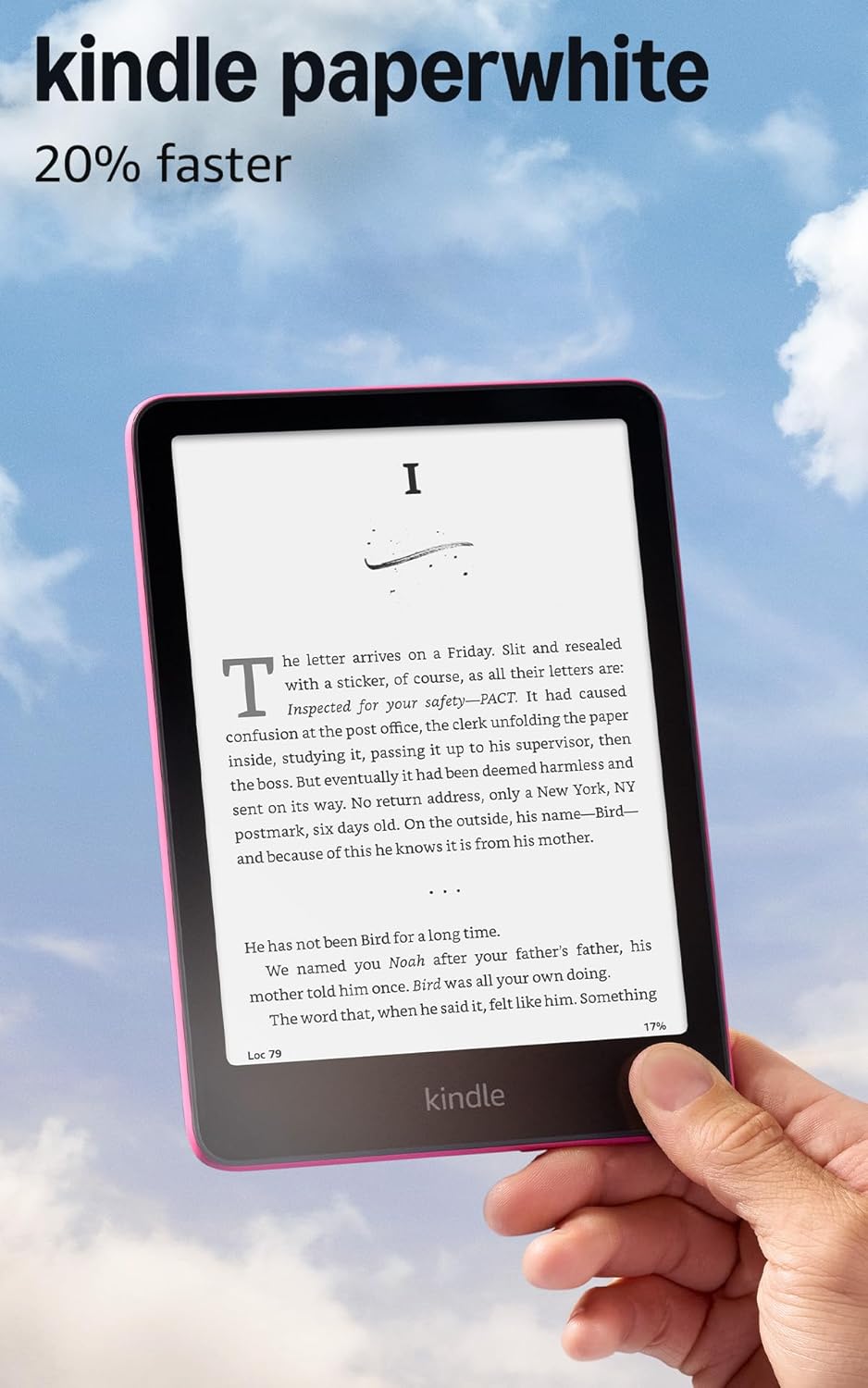
The Key Differences That Actually Matter
Display: The basic Kindle has a 6-inch 167ppi display. The Paperwhite has a 6.8-inch 300ppi display. The resolution difference is significant — text on the Paperwhite looks noticeably sharper, especially at smaller font sizes. This matters most for readers with glasses or anyone who prefers smaller fonts.
Size: The Paperwhite's larger screen means less page-turning, which creates a more natural reading flow. For people who read for 2+ hour sessions, the extra screen real estate reduces fatigue.
Warm light: The Paperwhite has an adjustable warm-toned front light. The basic Kindle has only a cool white light. Reading at night with warm light is dramatically easier on the eyes — this alone justifies the upgrade for evening readers.
Paperwhite Wins: When to Spend $150
Buy the Kindle Paperwhite if: you read for more than an hour daily, you read in bed or at night (warm light is essential), you plan to read near water (the Paperwhite is IPX8 rated — submersible; the basic Kindle is not waterproof), or you prefer smaller fonts and sharper text.
The Paperwhite also has significantly better battery life: weeks of reading on a charge vs 2-3 weeks for the basic Kindle. For travelers and commuters who forget to charge, this matters.
Basic Kindle Wins: When $100 Is Enough
Buy the basic Kindle if: you're buying for a child (waterproofing is less critical, and if they lose or damage it, you're out $100 instead of $150), you're a casual reader who reads 1-2 books per month, or you primarily read during daylight hours.
The basic Kindle still provides a dramatically better reading experience than a phone screen or tablet. The e-ink display eliminates eye strain from backlit screens, the battery lasts for weeks, and the form factor is perfect for one-handed reading. It's not a bad product — it's just a step below the Paperwhite.
Is the Kindle Paperwhite Signature Edition Worth It?
The Kindle Paperwhite Signature Edition adds three features over the standard Paperwhite for $30 more ($180 total): wireless charging, auto-brightness adjustment, and 32GB storage (vs 16GB). Are they worth it?
Wireless charging is genuinely convenient if you already have a Qi pad on your nightstand — but Kindles charge so rarely (every few weeks) that plugging in a cable is barely an inconvenience. Auto-brightness is nice but not essential. 32GB storage matters only if you have thousands of books downloaded — 16GB holds roughly 10,000 standard ebooks, which is more than enough for most readers. The standard Paperwhite is the better value.
Frequently Asked Questions
Is the Kindle Paperwhite worth the extra money?
Yes, for most readers. The 300ppi display, warm adjustable light, larger 6.8-inch screen, and IPX8 waterproofing are all meaningful upgrades over the basic Kindle. The $50 difference is worthwhile if you read daily or read in varied lighting conditions. The basic Kindle is fine for casual readers and kids.
What is the difference between Kindle and Kindle Paperwhite?
Display resolution (300ppi vs 167ppi), screen size (6.8 vs 6 inch), warm light (Paperwhite has adjustable warm tone, basic doesn't), waterproofing (IPX8 vs none), and battery life (Paperwhite lasts longer). The Paperwhite is also slightly thinner and lighter.
Does the basic Kindle have a warm light?
No. The basic Kindle has a cool white front light only. The Paperwhite has an adjustable warm light that shifts from cool white to amber, which is significantly easier on the eyes for night reading. For anyone who reads in bed, this is the single most important difference.
How long does a Kindle Paperwhite last?
Kindle Paperwhites typically last 5-7 years with regular use before battery degradation becomes noticeable. Amazon supports them with software updates for at least 5 years. Many readers use the same Paperwhite for 6-8 years without issues. It's genuinely a long-term investment in your reading habit.