Best Kindle Accessories in 2025
Last updated: February 13, 2025 · 3 min read
The Kindle accessory market is 90% junk you don't need. Screen protectors on an e-ink display? Pointless. RGB reading lights for a device with a built-in light? Wasteful. But a handful of accessories genuinely improve the Kindle experience. Here's the short list — emphasis on short.
Our Top Picks
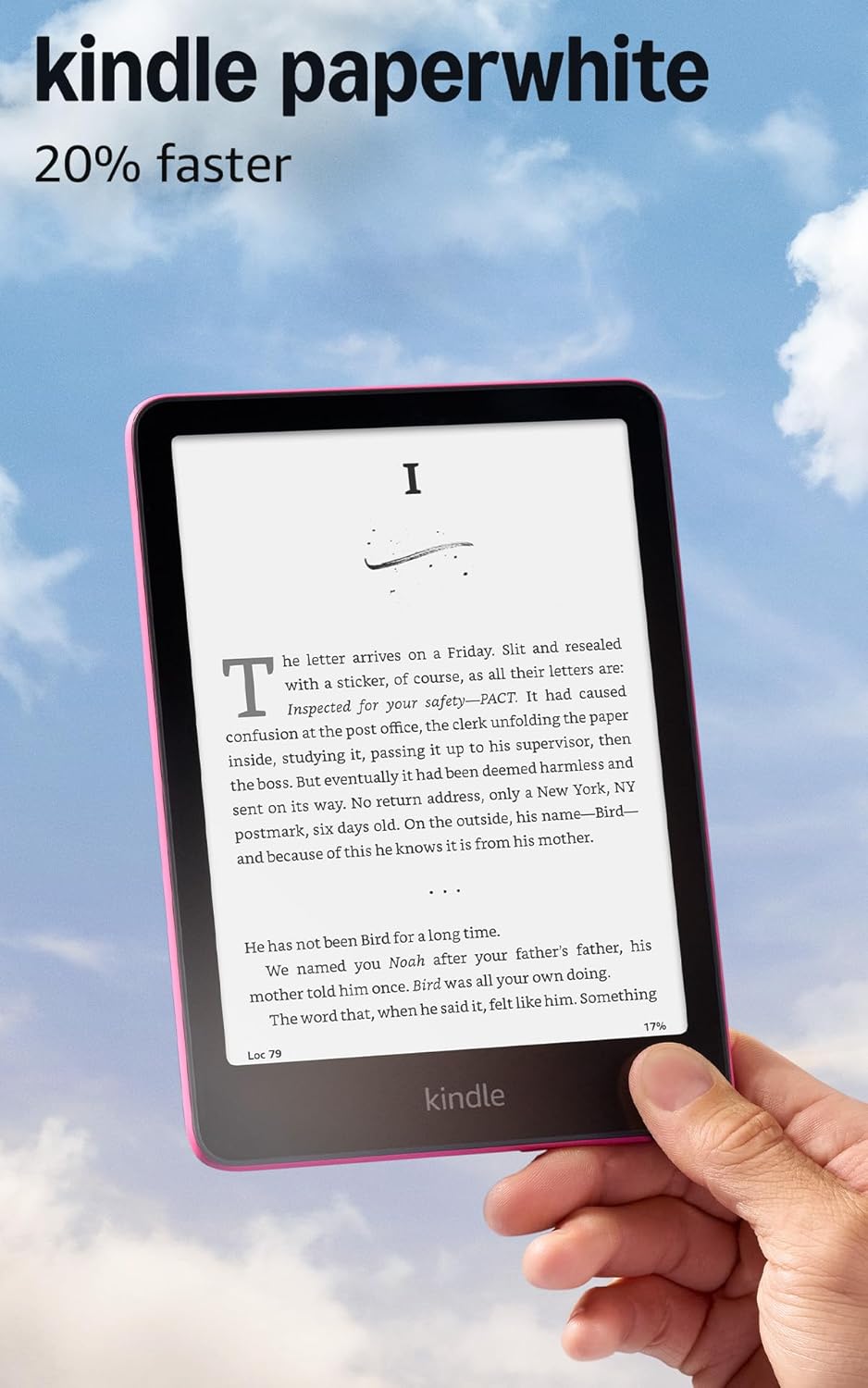
Start With the Right Kindle: Paperwhite
Before accessories, make sure you have the right Kindle. The Kindle Paperwhite is the only model worth recommending for most readers. The base Kindle has a worse display and no warm light. The Kindle Oasis is overpriced for marginal ergonomic gains. The Paperwhite Signature Edition adds wireless charging and auto-brightness — nice, but not essential.
The standard Paperwhite ($150) has a 6.8-inch 300ppi display, adjustable warm light, waterproof rating (IPX8), and 16GB storage. That's roughly 10,000 books. Unless you read exclusively manga or large PDFs, it's everything you need.
A Case Is the Only Must-Have Accessory
The Kindle Paperwhite's screen is recessed and durable, but it's still going in your bag with keys, pens, and whatever else. A slim case protects the screen and adds auto-wake (open the case, Kindle turns on). Amazon's official fabric case is overpriced at $40. Third-party options from Fintie and MoKo run $10-15 and work identically.
Get a case with a magnetic closure and auto-wake/sleep. Skip cases with hand straps, kickstands, or keyboard attachments — this is a reading device, not an iPad. Keep it simple and light.
PopSocket or Grip — Surprisingly Useful
This sounds dumb until you try it. A PopSocket or finger grip on the back of your Kindle (or case) makes one-handed reading dramatically more comfortable, especially in bed. The Paperwhite weighs only 7 ounces, but holding it one-handed for an hour still causes hand fatigue.
A grip lets you relax your hand instead of actively squeezing the device. It's a $5-10 upgrade that changes how long you can comfortably read in a single session. Stick it slightly off-center toward whichever hand you hold with.
Accessories You Don't Need
Screen protectors: e-ink screens are plastic, not glass. They don't shatter, and they're matte by nature — no glare to reduce. A screen protector adds thickness and reduces touch sensitivity for zero benefit.
Clip-on reading lights: every modern Kindle has a built-in adjustable light with warm tones. External lights are for paper books.
Styluses: the Kindle touchscreen works fine with fingers. It's not a note-taking device (that's the Kindle Scribe, a different product). Bluetooth page-turner buttons: a solution in search of a problem. Tapping the screen works perfectly.
Frequently Asked Questions
What accessories do I actually need for a Kindle Paperwhite?
A case. That's the only essential. A grip (PopSocket style) is a nice quality-of-life add for $8. Everything else — screen protectors, lights, styluses — is unnecessary with a modern Paperwhite. Total accessory cost: $15-25.
Is the Amazon official Kindle case worth it?
Not really. It's well-made but overpriced at $35-40. Third-party cases from Fintie and MoKo cost $10-15, have the same auto-wake feature, and come in more color options. The build quality difference is minimal.
Do I need a screen protector for Kindle Paperwhite?
No. The Kindle Paperwhite screen is recessed below the bezel, which provides natural protection. E-ink screens are plastic-based and resistant to shattering. A case protects it in your bag, and that's sufficient.
Is Kindle Paperwhite or Kindle Oasis better in 2025?
Paperwhite. The Oasis has physical page-turn buttons and a slightly larger screen, but it's $100+ more and hasn't been updated since 2019. The Paperwhite has a newer, better display, USB-C charging, and longer battery life. The Oasis is still on micro-USB.