Best Streaming Device Under $50
Last updated: February 16, 2026 · 3 min read
Every TV made after 2018 has built-in streaming apps — but built-in smart TVs are notoriously slow, limited in app selection, and abandoned by manufacturers after 2-3 years. A standalone streaming stick fixes all of this for under $50, turning any TV into a fast, fully-featured streaming platform. Here's what to buy.
Our Top Picks
Why a Streaming Stick Beats a Smart TV's Built-In Apps
Smart TV software is developed by TV manufacturers whose primary business is selling TVs, not building software. The result: slow interfaces, limited app selection, frequent bugs, and software support that ends while the TV hardware still works fine.
A Fire TV Stick or Roku runs software that's actively developed and updated. App selection is complete (every streaming service you use). Performance is fast because the stick's processor is dedicated to streaming, not shared with TV functions. And when the streaming landscape changes in five years, you replace a $30 stick, not a $600 TV.
Best Under $50: Amazon Fire TV Stick 4K
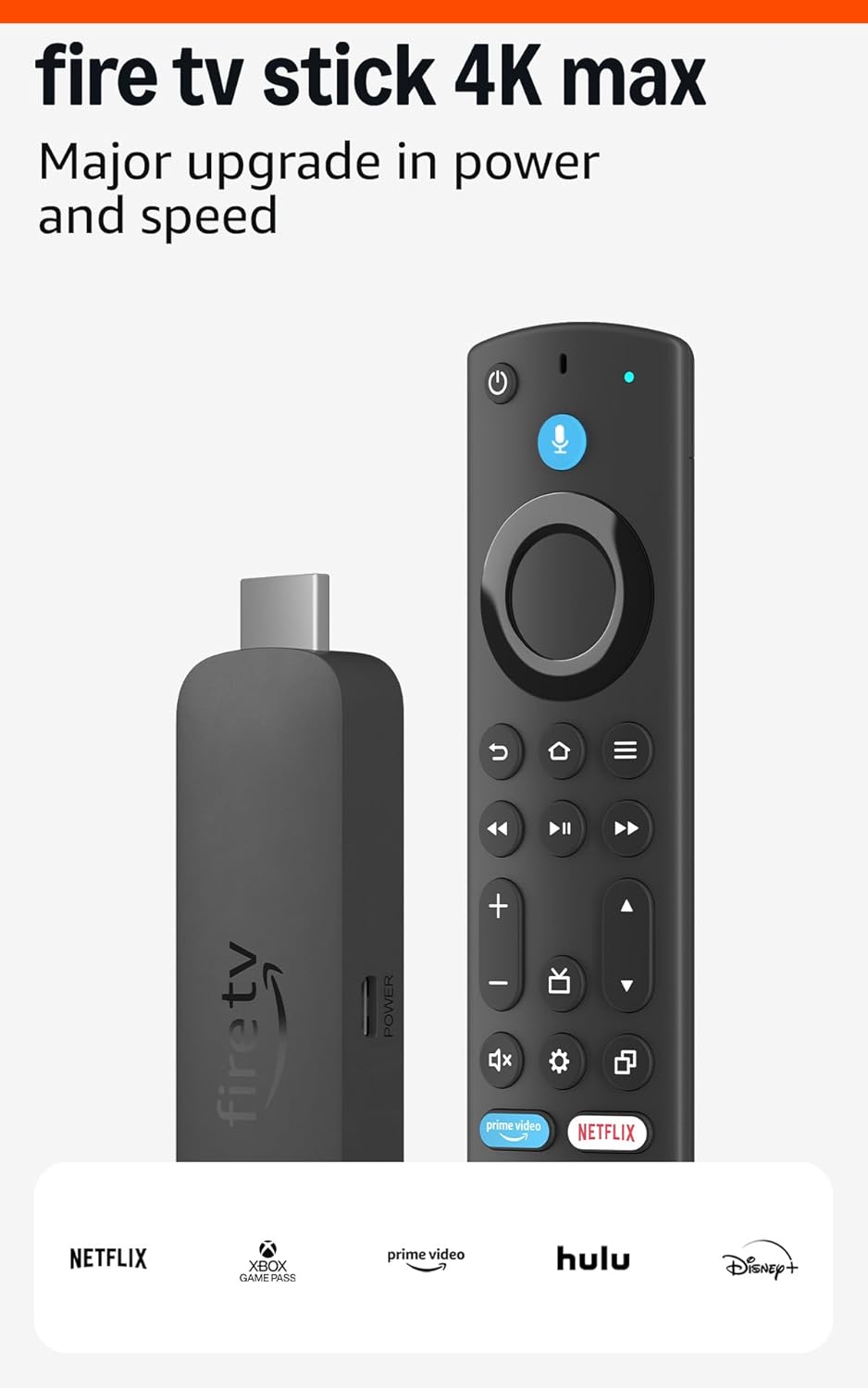
The Amazon Fire TV Stick 4K is the best streaming device under $50 for most people. It supports 4K HDR, Dolby Vision, and Dolby Atmos — full premium picture and sound from a $30-40 stick. The Alexa Voice Remote lets you search across all streaming services simultaneously: ask for 'Breaking Bad' and it shows you which services have it without navigating each app.
The interface is genuinely fast for 4K streaming — far quicker than most smart TV platforms. All major streaming services are available. The USB-A pass-through cable means it fits behind even slim TVs without the stick protruding awkwardly.
Fire TV Stick vs Roku: Quick Comparison
Fire TV Stick 4K ($40) vs Roku Streaming Stick 4K ($50): both are excellent. The practical differences: Fire TV has deeper Amazon Prime Video integration and Alexa voice assistant. Roku has a simpler, more neutral interface (not Amazon's ad-heavy home screen) and slightly broader app compatibility for niche streaming services.
If you're not in Amazon's ecosystem (no Prime, no Alexa), Roku provides a cleaner experience without constant Amazon upsells. If you're a Prime subscriber, Fire TV integrates your library seamlessly and Alexa voice search is genuinely useful. Both are the right call depending on your streaming habits.
Setup in Under 5 Minutes
Setting up a Fire TV Stick takes less than 5 minutes and requires zero technical knowledge. Plug the HDMI stick into your TV's HDMI port, plug the power adapter into an outlet, turn the TV on and switch to that HDMI input, follow the on-screen setup wizard.
The setup wizard walks you through connecting to Wi-Fi, signing into your Amazon account, and installing your streaming apps. Most people are watching Netflix or Prime Video within 5 minutes of plugging it in. If you're giving this to parents or grandparents, the simplicity of setup and the large remote buttons make it the most senior-friendly streaming option available.
Frequently Asked Questions
What is the best cheap streaming device?
The Amazon Fire TV Stick 4K at $30-40 (it goes on sale frequently) is the best value streaming device available. It supports 4K HDR/Dolby Vision, has Alexa voice search, covers all major streaming apps, and is faster than most built-in smart TV interfaces. It's the default recommendation for most households.
Does the Fire TV Stick 4K need a 4K TV?
No. The Fire TV Stick 4K works perfectly on 1080p TVs — it just streams at 1080p instead of 4K. There's no reason to buy the basic 1080p stick over the 4K version when prices are similar, because you future-proof for when you eventually upgrade your TV.
Do streaming sticks slow down over time?
They can after 3-4 years as apps become more resource-intensive. Clearing the app cache periodically (Settings > Applications > Manage Installed Apps > Clear Cache) keeps performance up. Most streaming sticks receive software updates for 4-6 years. When it feels slow, a $30-40 replacement is easier than any other fix.